
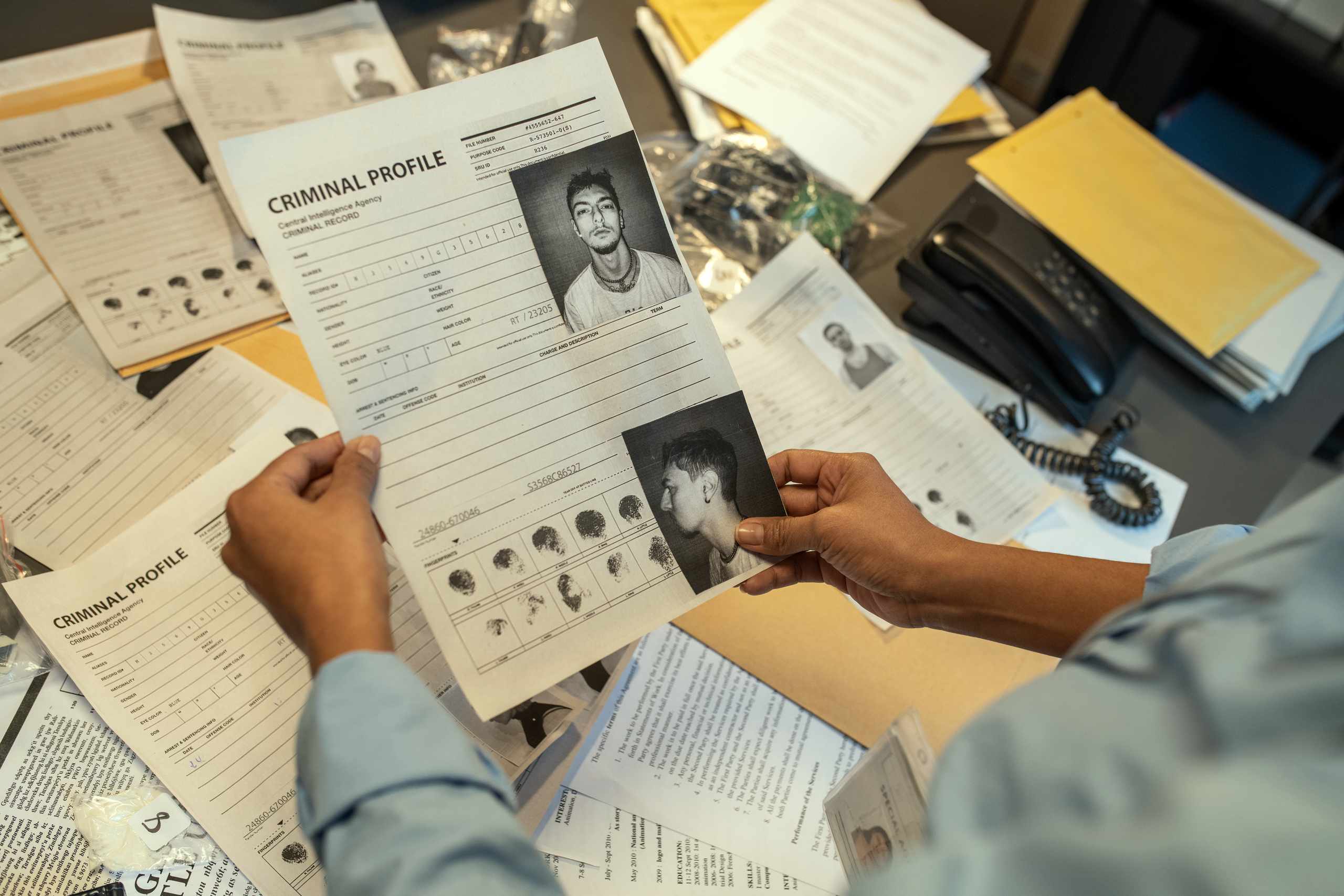
Suppose you have 10 random documents, and you want to classify them so that they can easily be located the following month. You could create a file for each title. You could also sort by date. Or, you could put the ones that look alike together. These are all valid solutions. However, a good classification system uses categories based on purpose rather than just on title.
In order to establish a classification system for a small number of records, we will start with purpose. Documents might be a request, a response, an invoice, a note, or a form. A record of these different documents may not belong to the same category, but it’s important to recognize that any of these might serve the same purpose. Therefore, before classifying a document, you should consider the purpose of the document, the author/sender, the recipient, the date, and the status. Then you should ask yourself, What is the action/process that this document represents? Doing so will prevent you from only using a title (e.g., Notice, Form) as a means of classification.
What makes this process challenging is establishing how many categories there will be. Having too few categories will lead to folders containing disparate records. Conversely, having too many will result in a situation where the documents seem to fit multiple categories. For a small number of records, it may be better to start with some broad categories. We could create categories for correspondence, requests, approvals, finance, and internal working documents in our fictitious example. But after looking at the sample records, we might find that it would be better to merge some categories or create sub-categories. Our goal isn’t to create a comprehensive file plan, but simply to create a classification system that is easy to understand.
After establishing categories, the next step is to test the system. Classify the small group of documents into your chosen categories and explain why. This helps ensure that documents with a similar purpose are classified in the same way. Look for situations in which two documents that have a similar purpose were placed in different categories. Also identify cases in which a single document could be filed into more than one category. When a file contains almost all documents, it might be too broad.
Metadata can help to supplement the classification system. While a document register could include fields for the document type, author/sender, recipient, reference number, date, status, and location, these are other methods to differentiate between records even if they fall under the same category. This is especially true for incoming and outgoing correspondence where documents might have similar subject matter but be sent/received from different people, at different times, or have a different reference number.
It is important to remember that folders don’t define the classification system. Establishing folders for Year, Department, Document Type, Status, Sender, and Subject will make it difficult to locate a record in a small collection of documents. Only establish folders that will make it easier to classify records. You can test your folder structure by finding a document using its purpose and metadata rather than using its title. If the location you select is likely to be the correct place, then the folder structure is functioning.
Finally, the best classification system isn’t the one with the most categories, but the one that allows similar documents to be treated similarly and the one that makes every document have an obvious home. The next time you’re unsure about where to place a document, ask yourself why you’re uncertain. This may indicate that you’ve created too many categories, that one category is vague, or that you need to simplify a category rule.